Your requirements. Caijo’s questions. One assessment.

Make your expertise part of every assessment that uses your framework, not another meeting your experts have to attend.

Configure your legal, security and internal-policy requirements as actionable controls in PrivacyDesigner. Caijo uses them to interview the project team, assess the implementation, identify risks and recommend next steps.

Request free access. We’ll confirm the setup for your free test.

Start the conversation 24/7 No prompt-writing required Findings, risks and actions together

One AI assistant. More than one set of rules.

app.privacydesigner.com
Assessments
An AI assistant for the sales team Privacy · Security · Internal AI policy
C
Caijo
An AI assistant for the sales team
IT lead

Sales wants an AI assistant to draft customer replies and summarise account history. We would connect it to the shared customer drive using the employees' existing access.

Caijo

I’ll use the framework your experts configured for this review: privacy requirements, access-control requirements and your internal AI policy.

First, let’s describe the intended workflow and data access. Will it use the documents for the account the employee is working on, or could it retrieve correspondence about other customers too? That distinction affects both relevance of the data and access exposure.

IT lead

The planned connection covers the whole shared drive. Sales staff can access correspondence about other customers as well.

Caijo

Your security control calls for an access review before connecting a shared repository to an AI tool. When were permissions last reviewed, and who is responsible for that review?

IT lead

Not since the migration two years ago. IT owns it, but the review hasn't happened for this connection.

Caijo

My proposed finding is that the required pre-connection review has not been completed, based on your description. The issue is the access being exposed through this planned use, not simply that the tool contains AI.

I recommend reviewing and narrowing permissions as needed before connecting the drive. Does that match the current position?

IT lead

Yes. That is work we can take forward with the sales owner.

Caijo

Your privacy control asks whether the data made available is needed for the stated task. For drafting a reply to one customer, what benefit requires correspondence about unrelated customers to be available?

IT lead

We haven't identified one. That access is inherited from the shared drive rather than required by the drafting use case.

Caijo

I’ll propose limiting the connected scope to what the task needs, alongside the permission review. That addresses unnecessary exposure without assuming the whole drafting use is a new or prohibited purpose.

The privacy finding and the security finding relate to the same implementation choice, but each remains tied to its own requirement.

Caijo

Your AI-policy control requires confidential content to be excluded from supplier model training. What supports that for the main interaction and for content submitted through feedback?

IT lead

We have a training restriction enabled in the settings. We haven't checked the contractual terms or the feedback route.

Caijo

I’ll record the setting as reported, not independently verified. The requirement is not yet established for the full proposed use, so reviewing the terms and feedback handling becomes a specific follow-up.

The draft now brings together the activity, findings against three sets of controls, the exposure risks and recommended actions. Your experts can review the requirements they defined without asking sales to interpret three separate policies.

IT lead

Good. We can review the connection and the terms before bringing this back for a decision.

Free testing

Try it on a project of your own.

Request free access. We’ll confirm the setup for your free test.

Try Caijo for free

Your specialists set the standard. Your team gets the guidance.

Apply the criteria you actually care about.

Use your organisation’s policies, contractual requirements and assessment methodology, not just a generic checklist that needs translating after every review.

Bring privacy, security and AI into the same conversation.

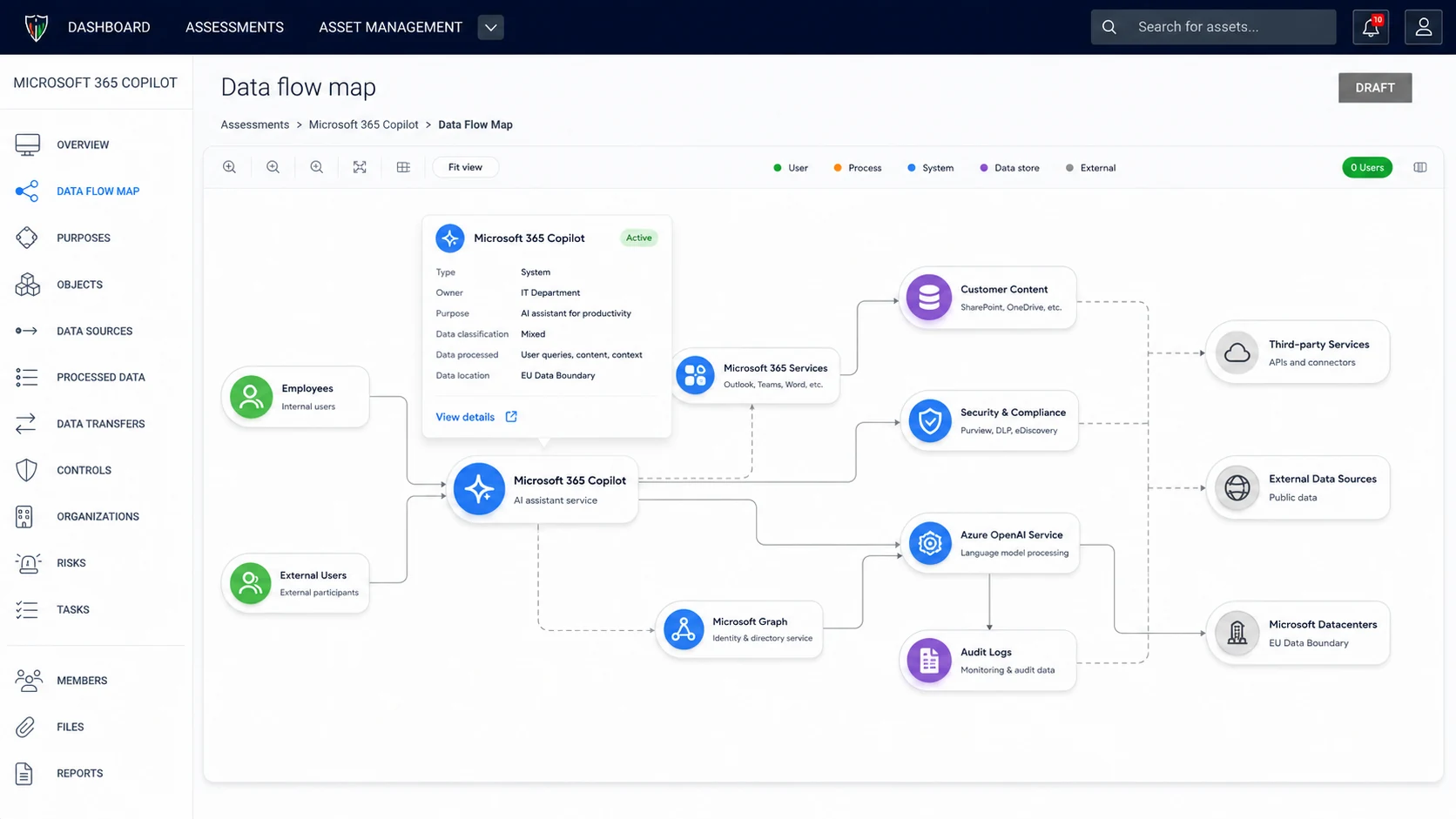
One project can raise questions across several disciplines. Combine relevant controls in one framework so Caijo can assess the use case from those different perspectives.

Stop explaining the same requirements from scratch.

Your experts define the controls and guidance. Caijo applies them in context, so project owners can explain what they are doing without knowing which policy each answer relates to.

Change what Caijo assesses, not just what the report looks like.

1 · Your policy

“Confidential information must not be used to train a supplier’s AI models.”

2 · Your expert’s control

Specify when that rule applies and what establishes it: for example, relevant contract terms and configuration, including how submitted feedback is handled.

3 · Caijo’s follow-up
Caijo
“You’ve described the training setting. Does the same restriction apply when someone submits feedback containing confidential content?”
4 · The assessment finding

“The setting is reported as enabled. Coverage of feedback content is still unconfirmed; review the relevant terms before treating the requirement as met.”

Start with the requirements your team keeps having to explain.

01

Define the controls

Your experts create and maintain the requirements in PrivacyDesigner, with guidance for assessing them.

02

Choose the combination

Bring relevant privacy, security, AI or internal-policy controls together for the kind of activity you need to assess.

03

Let Caijo guide the team

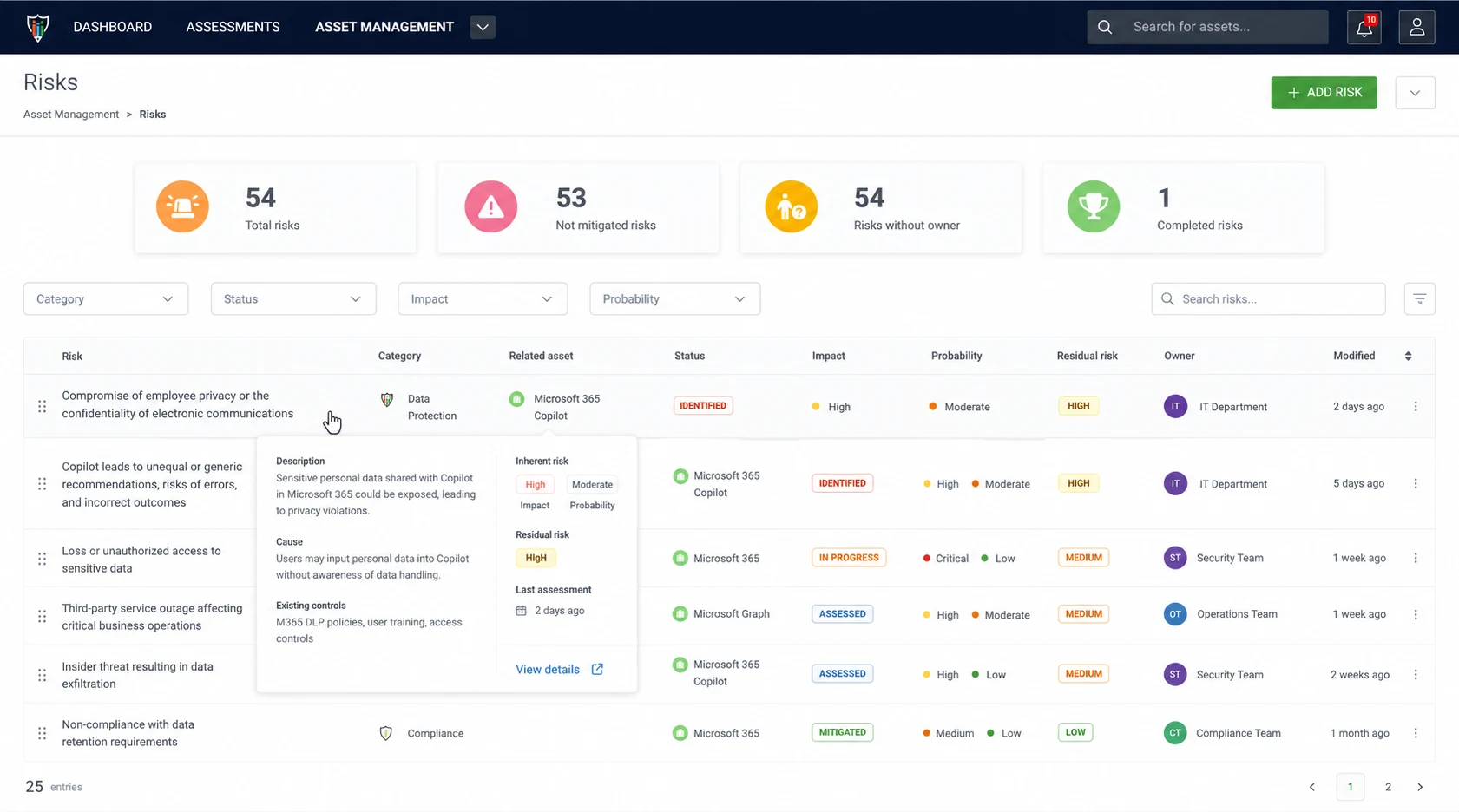
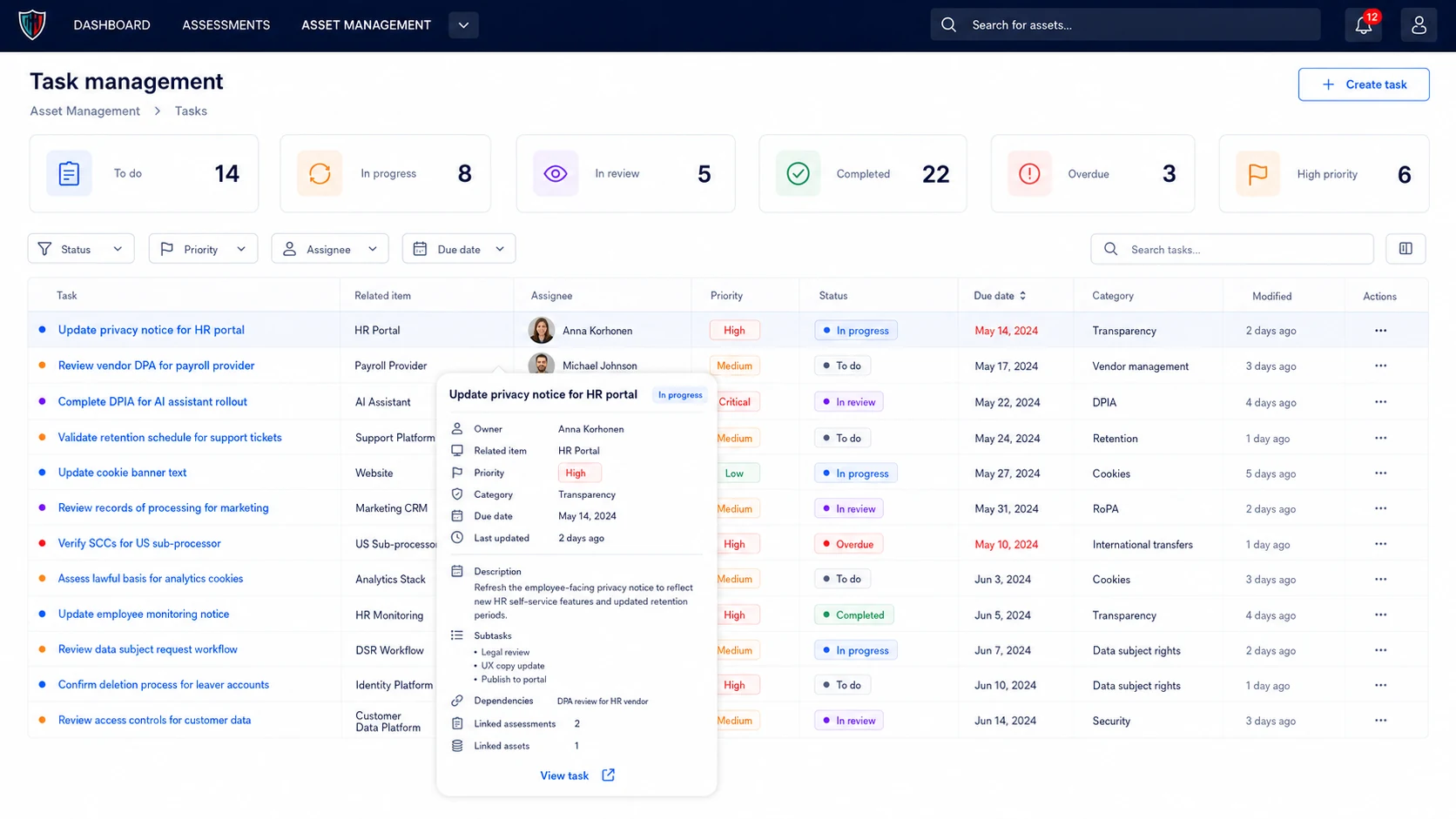
The conversation produces a description, findings against the controls, risks and recommended tasks for review.

Your methodology no longer lives only in a document, or someone’s diary.

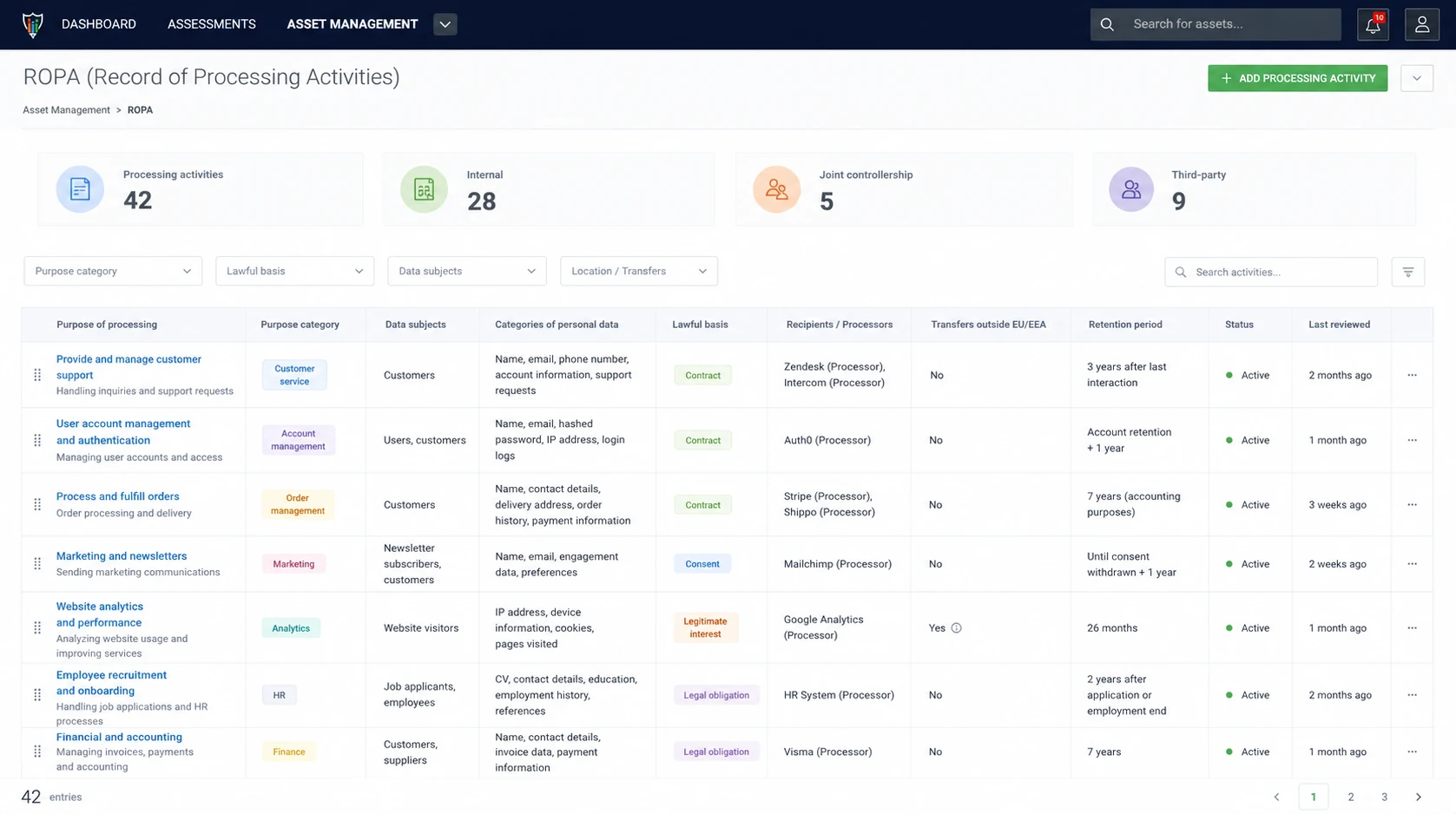
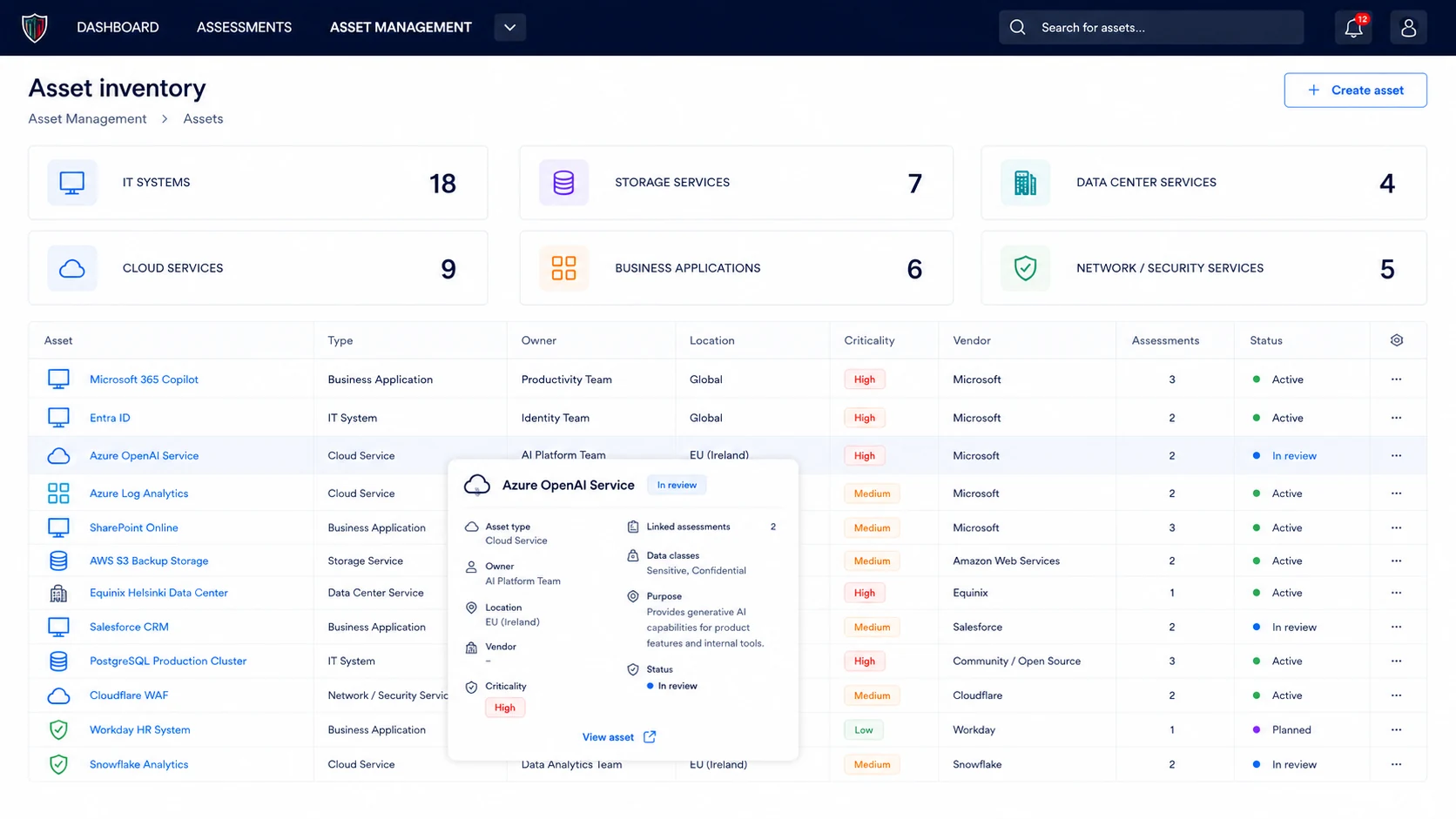
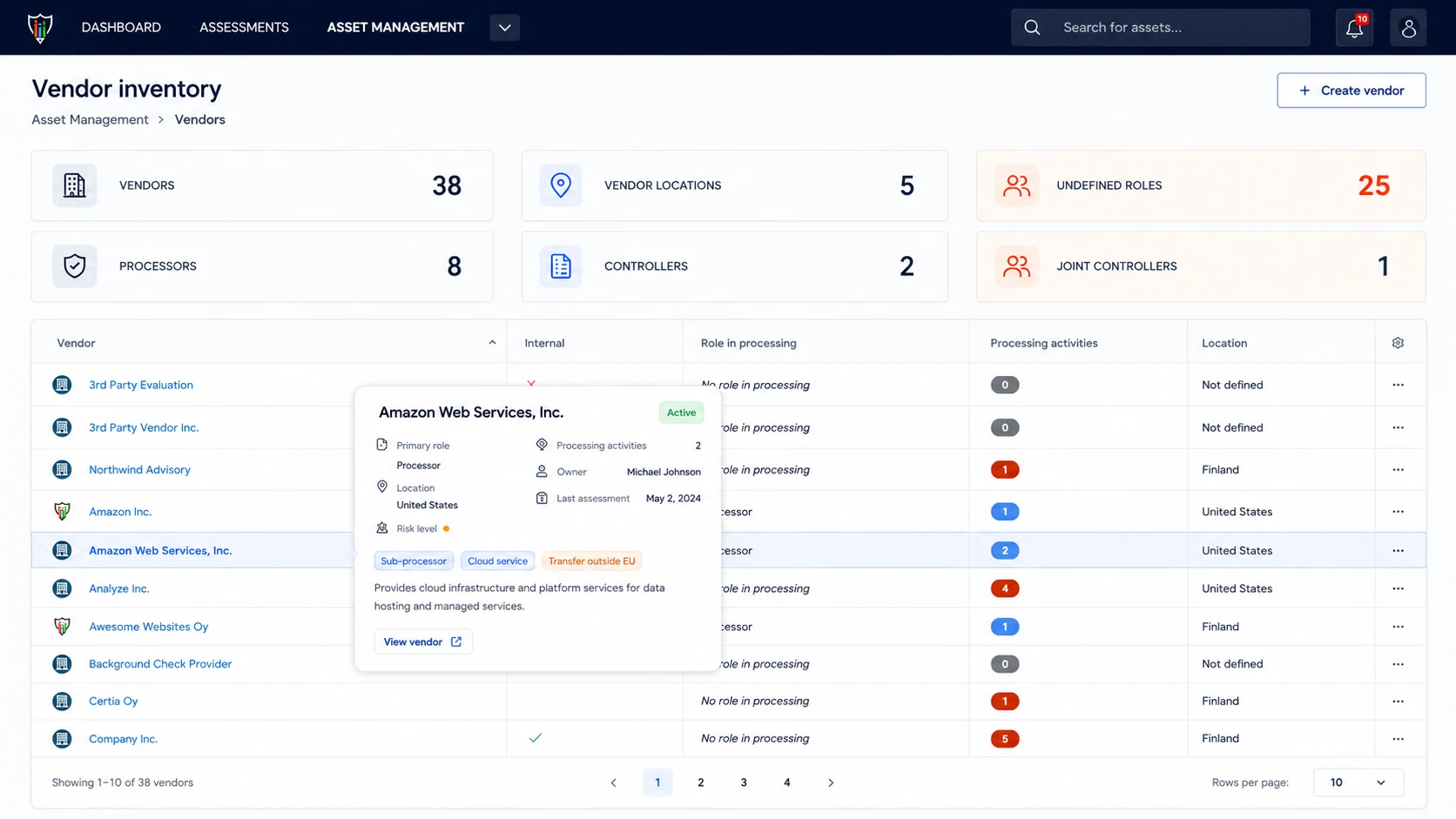
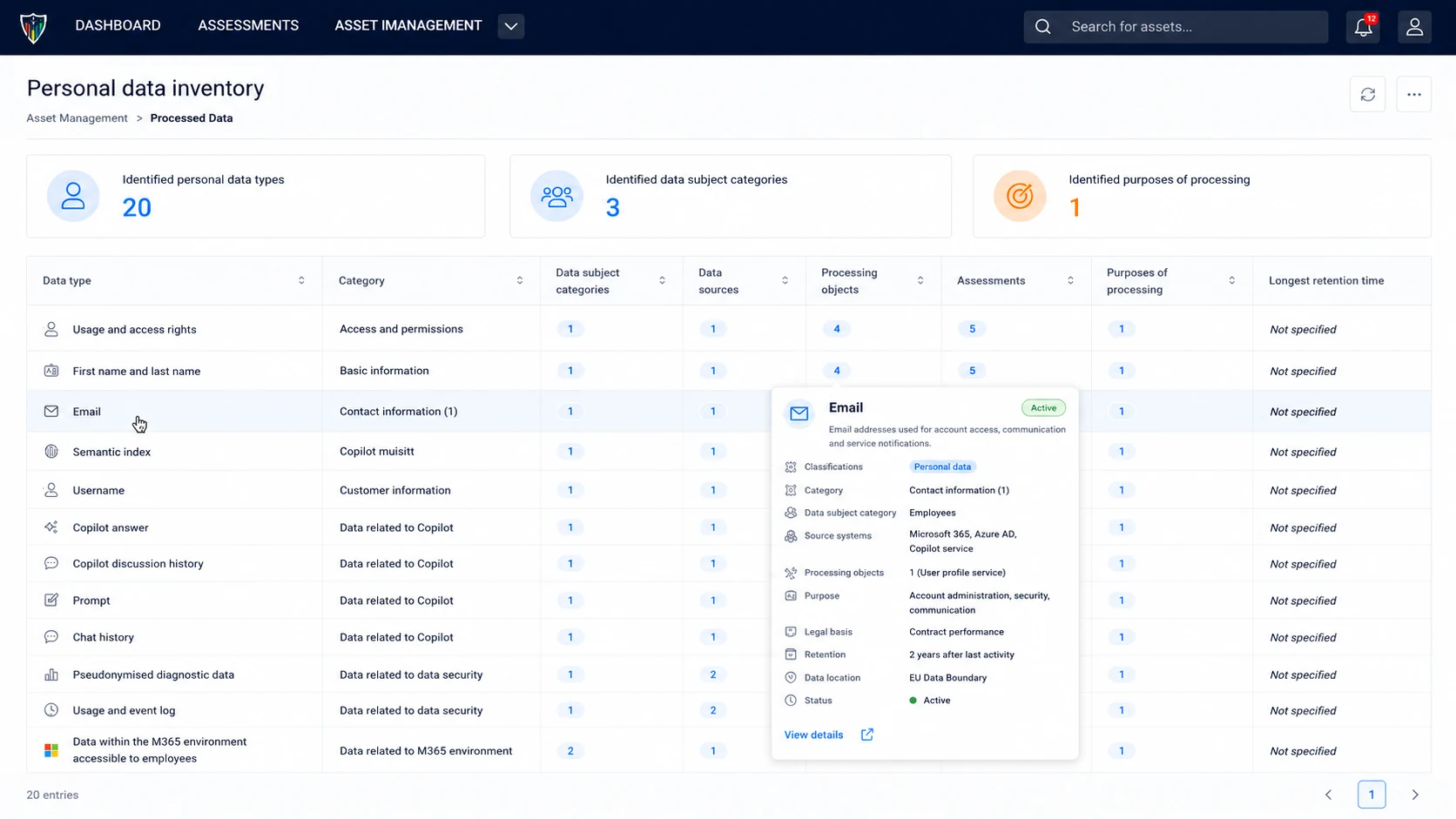
The project team has a practical way to work through your expectations. Reviewers receive findings tied to the requirements they defined. Your organisation builds a more consistent starting point for decisions without making every contributor an expert. The assessment connects to processing, system, vendor, risk and task records in PrivacyDesigner, keeping the result part of your shared documentation.
Which questions should your team never have to remember to ask?

Bring the policy, methodology or recurring review problem behind those questions. See how it could guide an assessment with Caijo.

Tell us the use case. We’ll confirm how to set up the free test.

Request a walkthrough

Custom framework questions, answered.

Who creates the framework?
Your experts create the controls in PrivacyDesigner. They define what needs to be assessed and the guidance Caijo should use. Start with a focused set of requirements relevant to the use case; you do not need to reproduce an entire policy manual.
Can we upload a policy and have it converted automatically?
No. This workflow uses controls configured by your experts in PrivacyDesigner; it does not automatically turn an uploaded policy into a complete assessment framework.
Can one assessment include legal requirements and our own policies?
Yes. You can combine relevant controls from different sources. A requirement remains a requirement from its own source; combining them does not remove the need to cover the applicable statutory assessment properly.
Is this just a custom prompt?
No. The controls form the assessment framework Caijo works through. They shape the questions and requirement findings, while the resulting description, risks and tasks become structured information in PrivacyDesigner, not only a response in a chat.
Can we test this with our own requirements?
Request a free test. We’ll confirm with you which requirements or use case to assess, and the framework setup for that test. Your experts remain responsible for maintaining the controls and reviewing the assessment; Caijo does not certify the result.
Try Caijo for free